Alaikas.com tech accessories guides are built for anyone who has ever bought the wrong cable, a charger that was too slow or earbuds that would not stay in. Tech labels are full of acronyms, and the difference between a good accessory and a frustrating one often comes down to one spec on the box.
At Alaikas.com, our editors explain those specs in plain language. We do not sell products ourselves. Instead, we cover the features and standards worth paying for, and you buy directly from the independent sellers and retailers you choose.
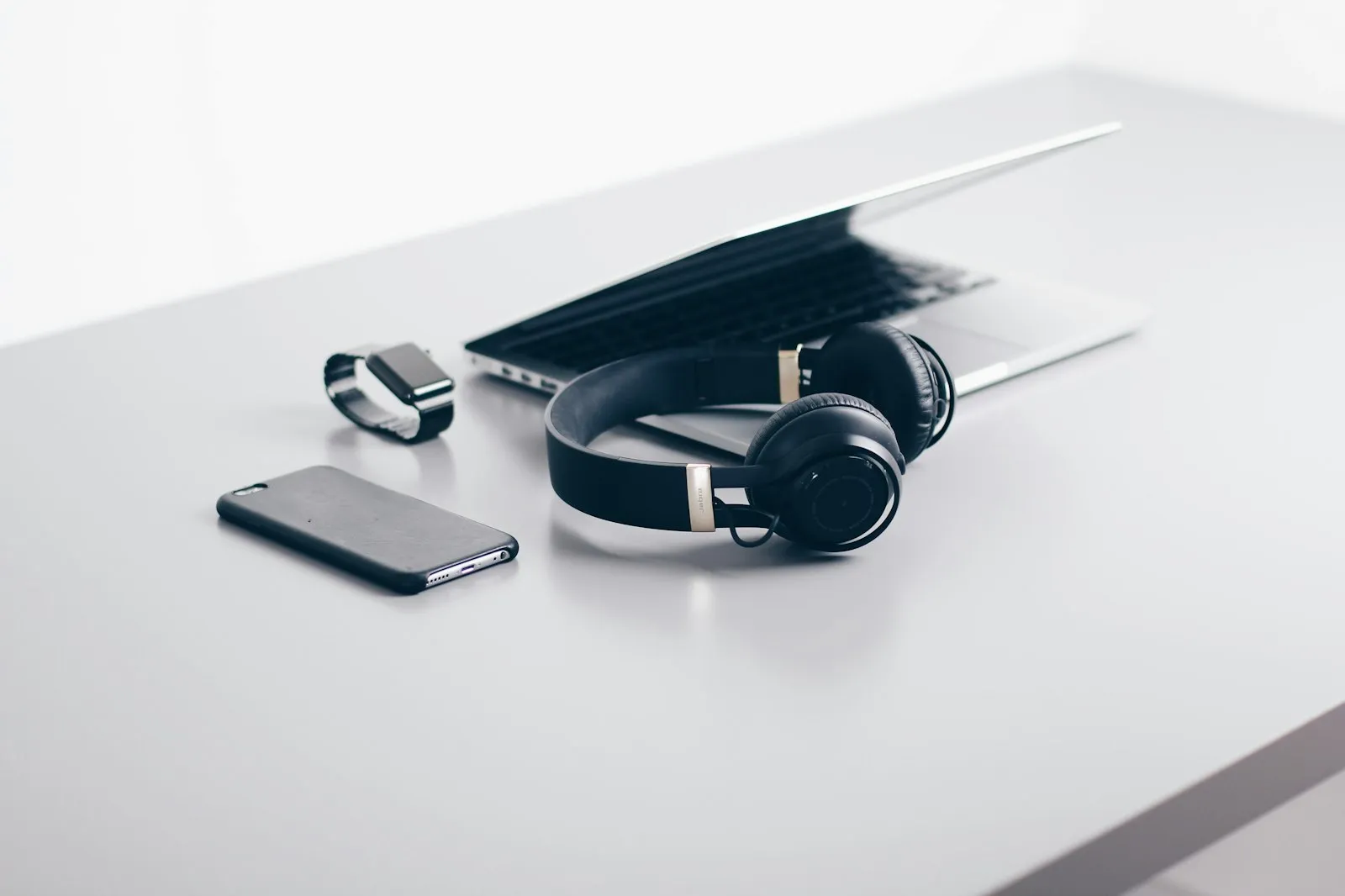
This hub focuses on the everyday accessories that surround your phone, laptop and workspace:
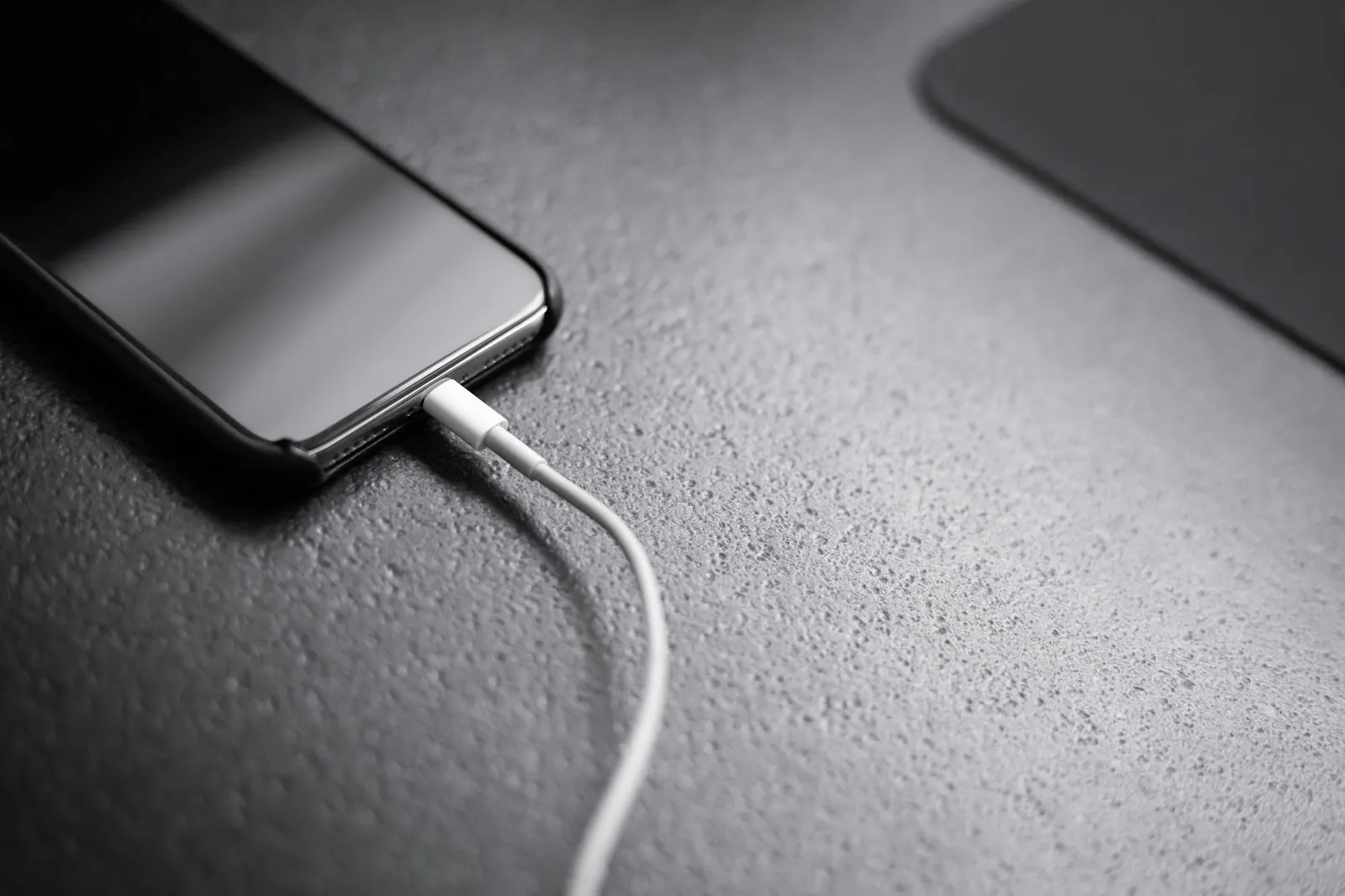
- Charging gear: USB-C Power Delivery chargers, cables, Qi2 wireless chargers and power banks
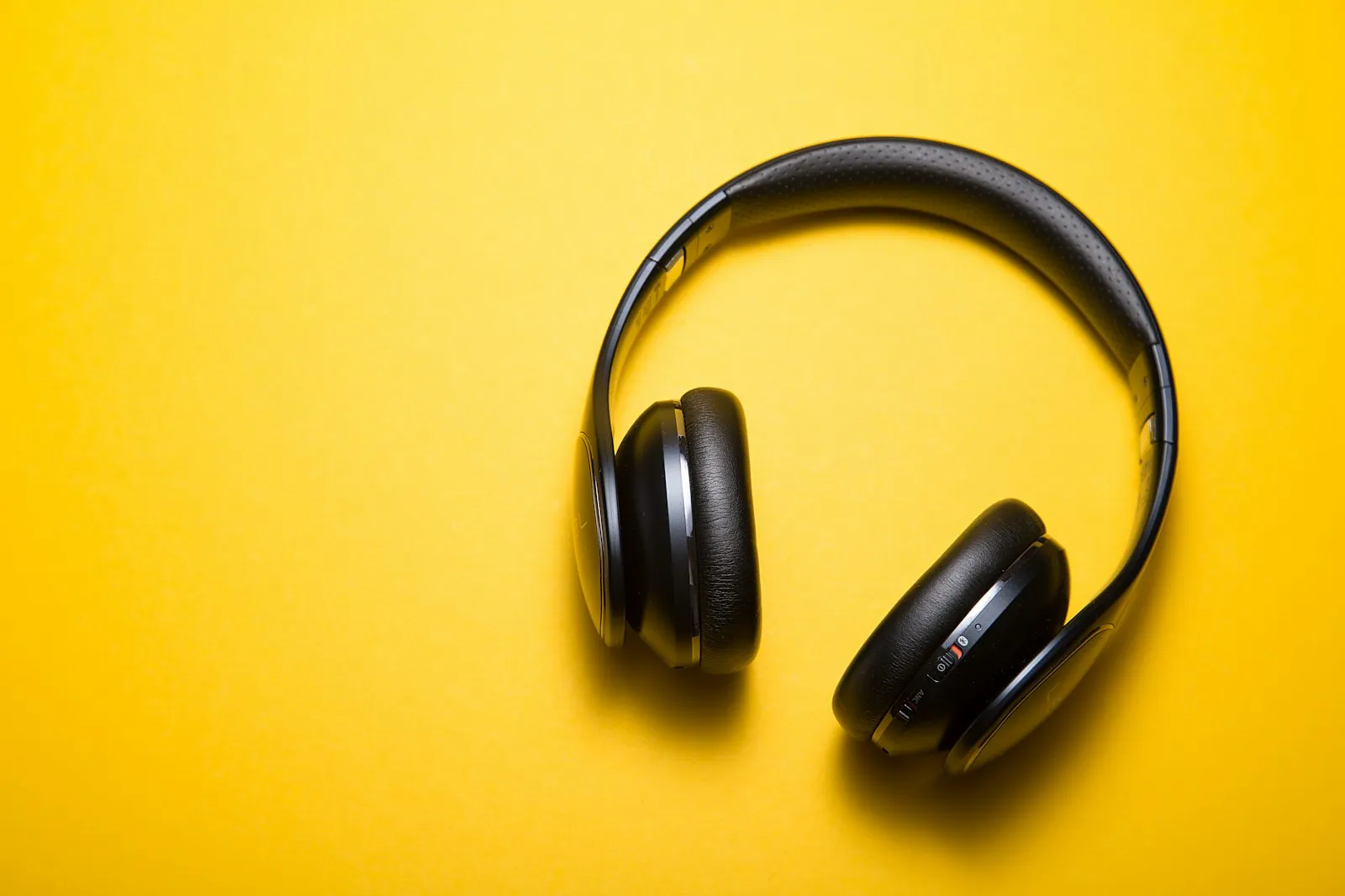
- Audio: earbuds, headphones and Bluetooth speakers, with ANC, codecs and IP ratings explained
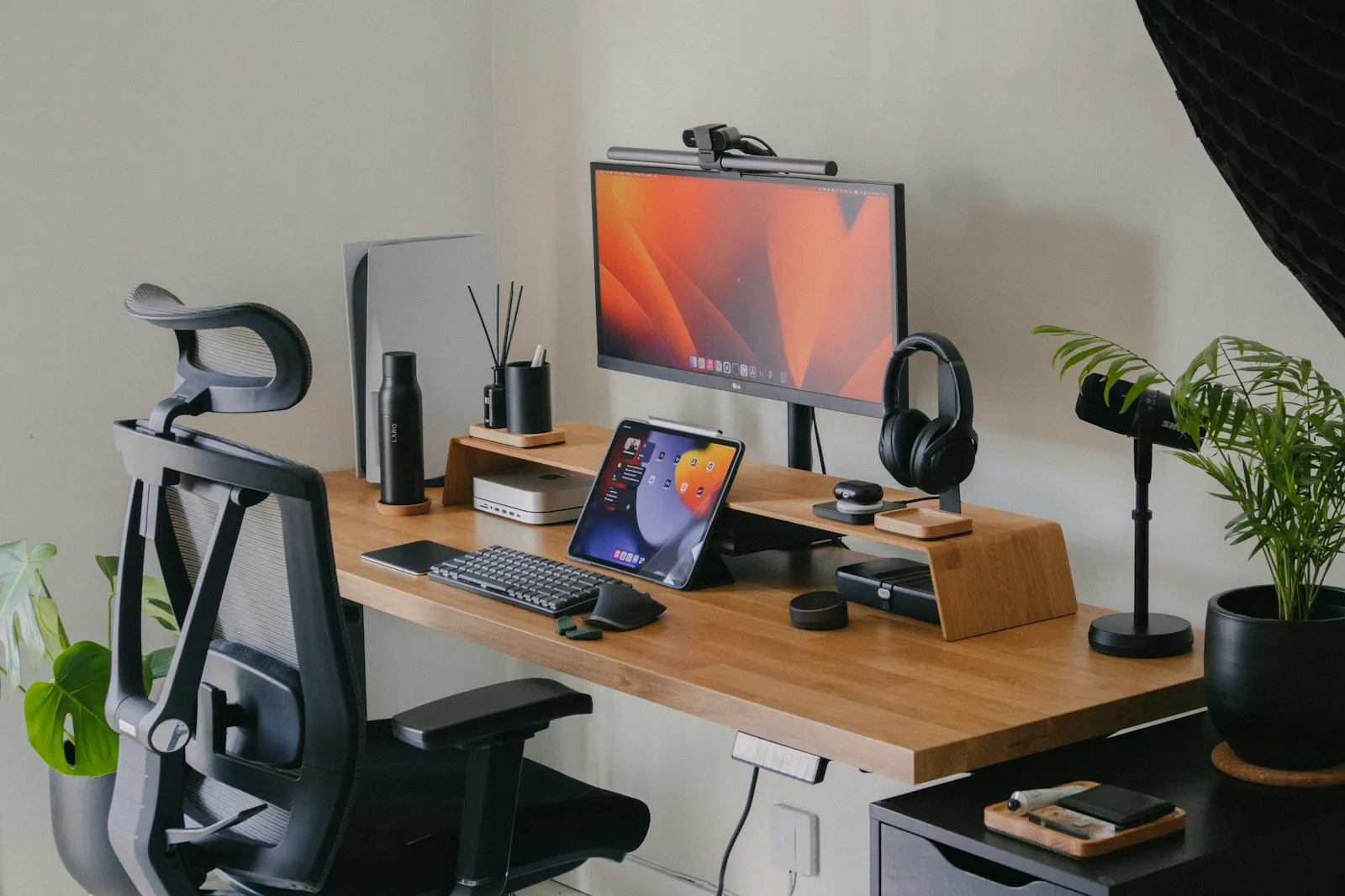
- Home office: monitors, keyboards, mice, laptop stands, docks, lighting and cable management
Where it helps, we link to the organizations behind the standards, such as the USB Implementers Forum for USB-C and the Wireless Power Consortium for Qi and Qi2 wireless charging.
Quick Guide: Which Spec Matters Most?
Use this table as a fast starting point before you read the full guides.
| Accessory | Spec to check first | Why it matters |
|---|
| Wall charger | USB Power Delivery wattage | Determines how fast it charges and whether it can power a laptop |
| USB-C cable | Rated wattage and data speed | A 60W cable will limit a 100W charger, and charge-only cables transfer data slowly |
| Wireless charger | Qi2 certification | Magnetic alignment gives more reliable, efficient charging |
| Power bank | Watt-hours (Wh) | Airlines use Wh limits, and 100Wh or less can fly without approval |
| Earbuds and headphones | Fit, ANC and IP rating | Fit drives sound quality, and IP ratings show water resistance |
| Monitor | Adjustable stand and connection type | Height adjustment helps posture, and USB-C can carry video and power |
| Dock or hub | Video output and charging wattage | Ensures one cable can run your monitor and charge your laptop |
Explore Our Tech Accessories Guides
Each guide goes deeper into one part of your tech setup.
Phone Accessories
Our phone accessories guide explains how to choose a USB-C charger and the right cable, how Qi2 wireless charging works, how to read power bank capacity in mAh and Wh, what the FAA allows in your carry-on, and how to pick a case and screen protector.
Audio Gear
The audio gear guide compares earbuds, headphones and speakers, then explains active noise cancellation, Bluetooth codecs such as AAC, aptX, LDAC and LC3, IP ratings, fit and battery life, ending with a practical buying checklist.
Desk Setup
The desk setup guide helps you build a comfortable work-from-home space, covering monitors, keyboards and mice, laptop stands, USB-C hubs and docks, lighting, cable management and simple ergonomics basics.
How to Shop for Tech Accessories Safely
Because every purchase happens with an independent seller or retailer, a few quick checks go a long way:
- Prefer listings with clear specs, such as wattage, Wh capacity and certification marks.
- Be cautious with very cheap chargers and batteries that list no safety certifications.
- Check the seller’s contact details, return policy and warranty terms before you pay.
- Pay with a method that offers buyer protection.
Our guide on how to buy from Alaikas.com explains how the marketplace layer works, and the Marketplace hub covers safe shopping in more detail.
More From Alaikas.com
Tech accessories also make thoughtful presents, and our Lifestyle hub includes gift ideas and tips for organizing your home. If you write product descriptions or reviews of your own, the free tools in our Tools hub, including the Alaikas Article Rewriter, can help you polish your drafts.